How It Works
create and manage your projects with ease
Shinecraft Productions helps you create high-quality video content for your business or personal needs while simplifying your video production workflow and saving you time and money.
In addition to top-tier services, we provide useful tools and features to help you create, manage, and review your projects, as well as communicate with our team efficiently.
Process Overview
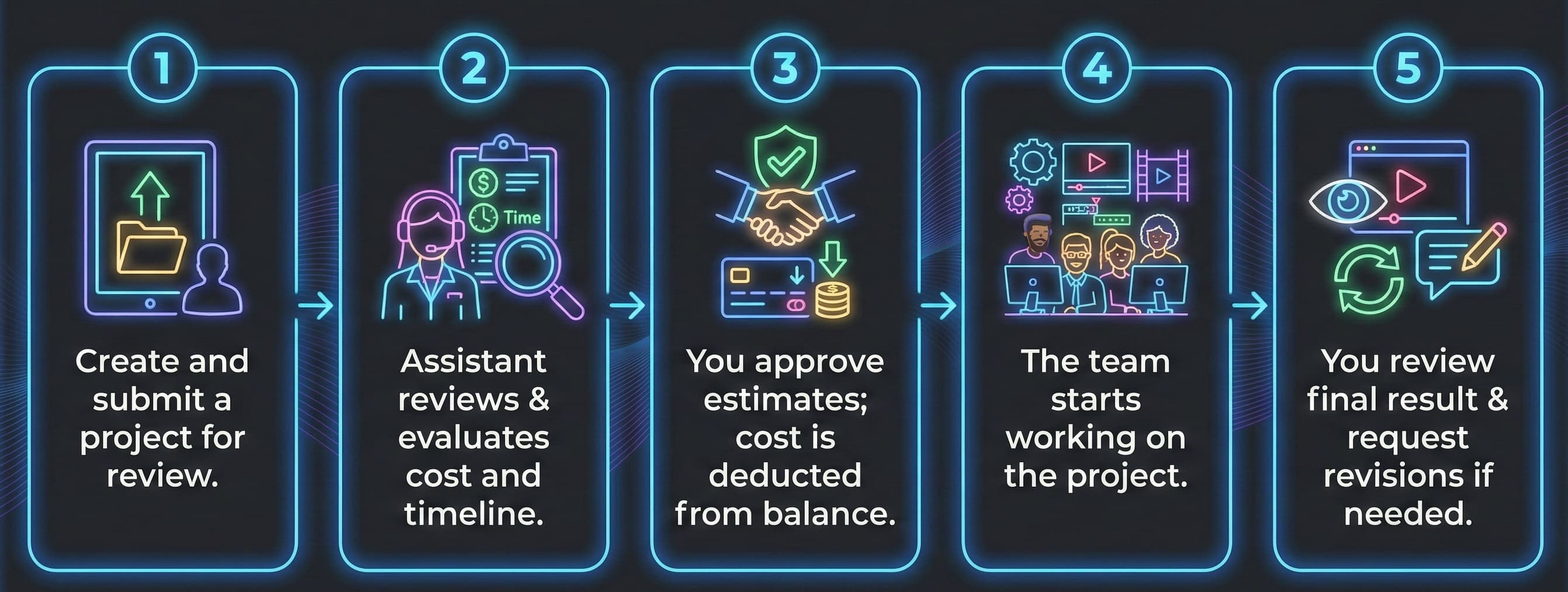
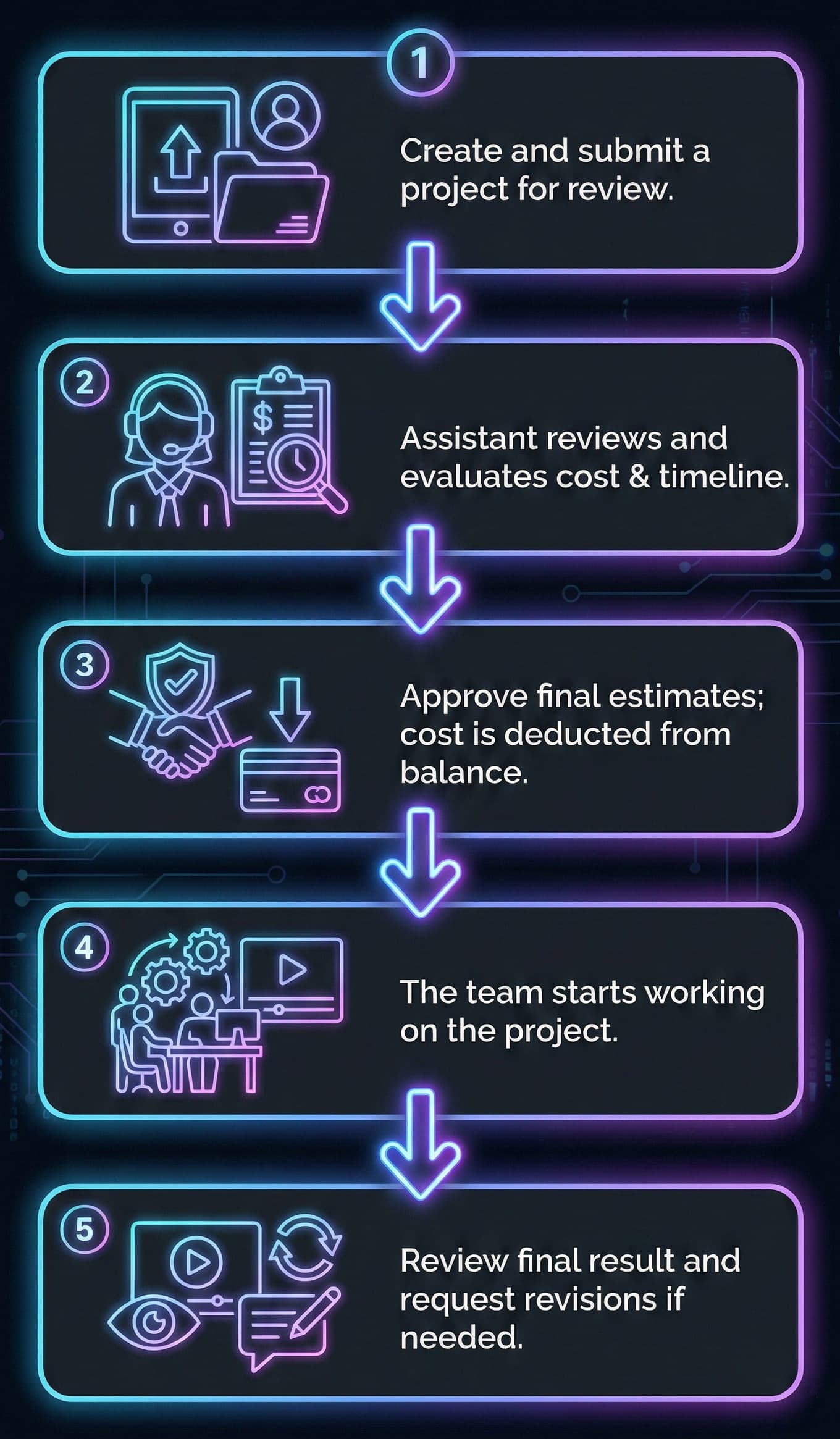
Process is simple and straightforward, consisting of the following steps:
1. Registration and Payments
Registration is free, there are no payments, no fees and no obligations from your side. Later you can top up your account balance or pay as you go, based on your project's estimated cost.
After registration, you will gain access to your personal workspace. There, you can create, manage, and review your projects, top up your account balance, and manage financial data and payments.
Each account is assigned a personal account assistant who will help you manage your projects and address any questions or concerns.
2. Creating a Project
You can create new projects using our Project Creation Form, which will guide you through the process. Here you can provide a description of your project and include links to source materials and reference examples.
Additionally, you can get cost estimates by providing specific details about your project in the Advance section of the form. Please note that these are rough estimates, which can be adjusted after your personal assistant's review.
Don't worry if you're missing some information or unsure about something - you can save a draft, consult with your assistant, and make changes later if needed.
After filling out the form your personal assistant will review provided information and help you with final cost and time estimations, ensuring that your project meets your expectations and budget.
Once you confirmed and approved the project in your personal workspace, the project cost is deducted from your balance, and your project is assigned to the editing team.
If there are not enough funds in your account, you'll receive a payment request notification. Once it is paid, the project will go into production.
You can manage multiple projects at once by placing them in the project queue. You can also request multiple projects to be in production simultaneously for an additional fee.
3. Project Management
You can track the status of your projects in your personal workspace, where you'll find a list of current and past projects along with key details.
Project turnaround time depends on the project complexity. Please note that we do our best to meet the deadlines, but in case of high demand, turnaround times may increase. In any case, your assistant will keep you informed about the progress and unexpected delays.
For each project, you can navigate to the project workspace, where you add notes and comments for the project, ask questions, review partial and final results.
Once the project is completed, you can review the final version and request revisions if needed. In project's workspace you can add timestamp-specific notes, provide general feedback or comments on specific assets.
If you have any questions, don't hesitate to contact us via chat or email: info@shinecraft.pro